Coach from your phone: what works where
Nearly every coaching job works on both web and phone. This table lists them all, the few that need a browser, and what the phone does best.
Coaching lives in the same JustGains app on iPhone and Android, under You. It has the same four sections as the web, in the same order: Clients, Squads, Library and Setup. If you have switched Coaching on under Features in Settings, you can also swipe to it, and that pane’s bottom bar runs in a different order: Squads, Library, Clients, Setup and Profile, with Clients in the middle.
Nearly every job works in both places. The table lists them all, including the few that need a browser.
Where to find it
| On | Go to |
|---|---|
| Web | justgains.com/coach, or Coaching in the sidebar |
| Phone | You, then Coaching |
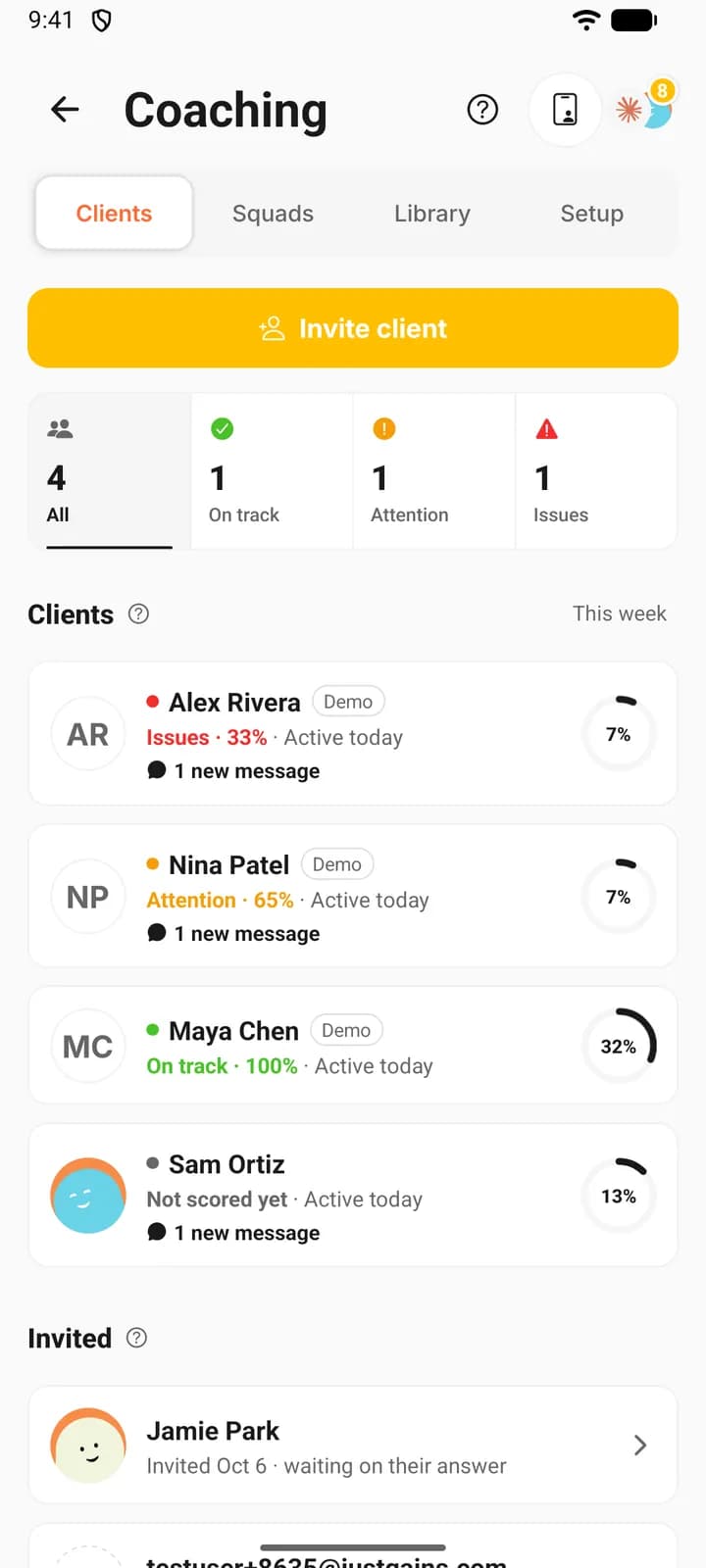
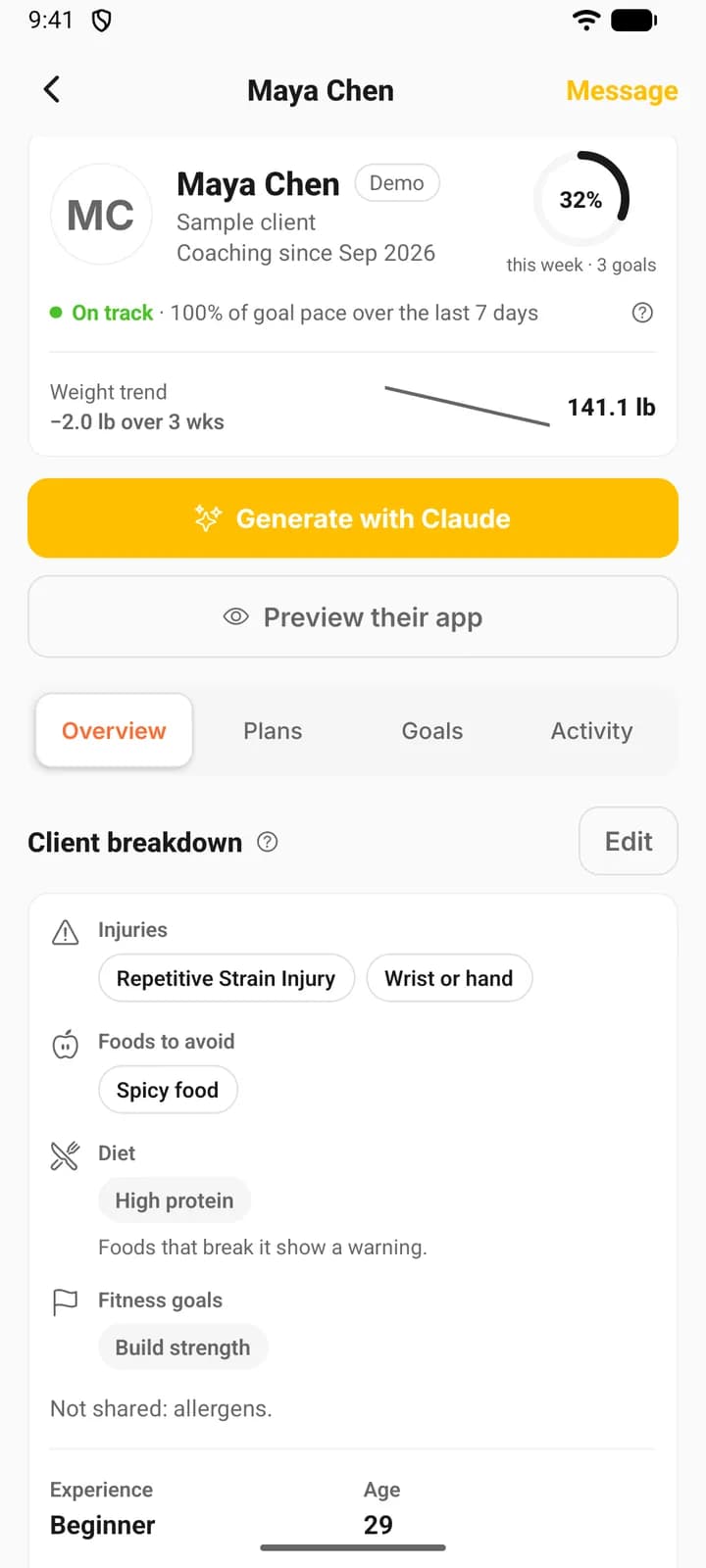
What works where
| Job | Web | Phone |
|---|---|---|
| Roster, status and latest activity | Yes | Yes |
| Invite by email, link or username | Yes | Yes |
| Import contacts from a CSV | Yes | Yes |
| Browse your library | Yes | Yes, except run plan templates, which do not open |
| Build programs and workouts | Yes | Yes |
| Edit meal plans | Yes | View only, with a button that opens the web editor |
| Build run plans | Yes | No, the plus button opens the web editor |
| Assign, reschedule and remove plans | Yes | Yes |
| Generate with Claude | Yes | Yes |
| Edit a client’s program, progressions and time off | Yes | Yes |
| A client’s plans on a calendar | Two weeks at a time | A plan list, plus a calendar for forms |
| Goals | Yes | Yes |
| Nutrition and weight targets | Yes | Yes |
| Forms: build, assign, read answers | Yes | Yes |
| Client breakdown and notes | Yes | Yes |
| Preview their app | Yes | Yes |
| Squads | Yes | Yes |
| Messages and workout comments | Yes | Yes |
| Welcome message and video | Yes | Yes |
| Signup questions and client themes | Yes, with a phone preview | Yes |
| Demo clients | Yes | Yes |
What is quicker on the web
Anything long. A multi-week program is a lot of typing, and the web builder gives you a keyboard and a wide screen for it.
Meal plans are edited only on the web. The phone shows a plan day by day, with a button that opens the web editor. Run plans are built on the web too, though you can assign one from the phone.
Setup is easier at a desk as well: the web shows your welcome, each signup question and each theme in a phone preview before you save.
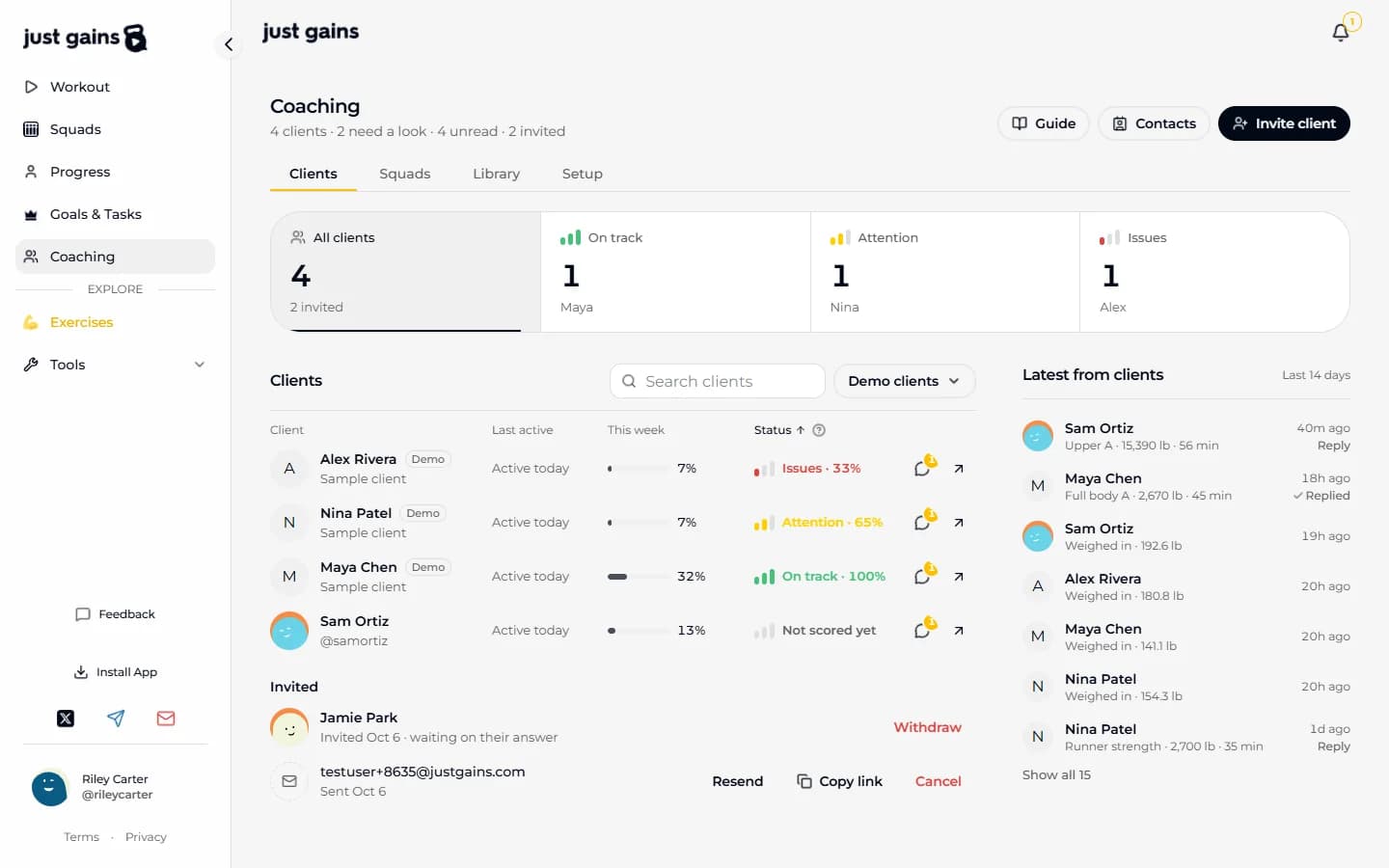
What the phone is best at
Triage and replies. The roster lists Issues first, and each row reads the status with its pace (Issues · 33%), when the client was last active and any new messages, so a minute between sessions is enough to see who slipped. Latest from clients marks a finished workout Reply while nobody has answered it, and a voice message records right in the chat.
Small edits fit too: swap an exercise in a client’s program, move a start date, add time off, change a target.
Whatever you change on one shows on the other. Both read the same account, and the roster and client pages refresh themselves about every half minute.
FAQ
Keep learning
Set up your coaching in 10 minutes
Four steps for a new coach: practise on three demo clients, write your welcome, add a first plan and invite your first client.
Build your coaching library
Keep the programs, workouts, meal plans and run plans you reuse in one place, and see which clients are on each one.
Message a client and comment on their workouts
Message one client from the roster or their page, send photos, voice and video, and reply to a finished workout with a comment they are notified about.