Getting started
Set up your JustGains account
The shortest path from fresh install to first logged workout.
Updated July 12, 20263 min readGetting started
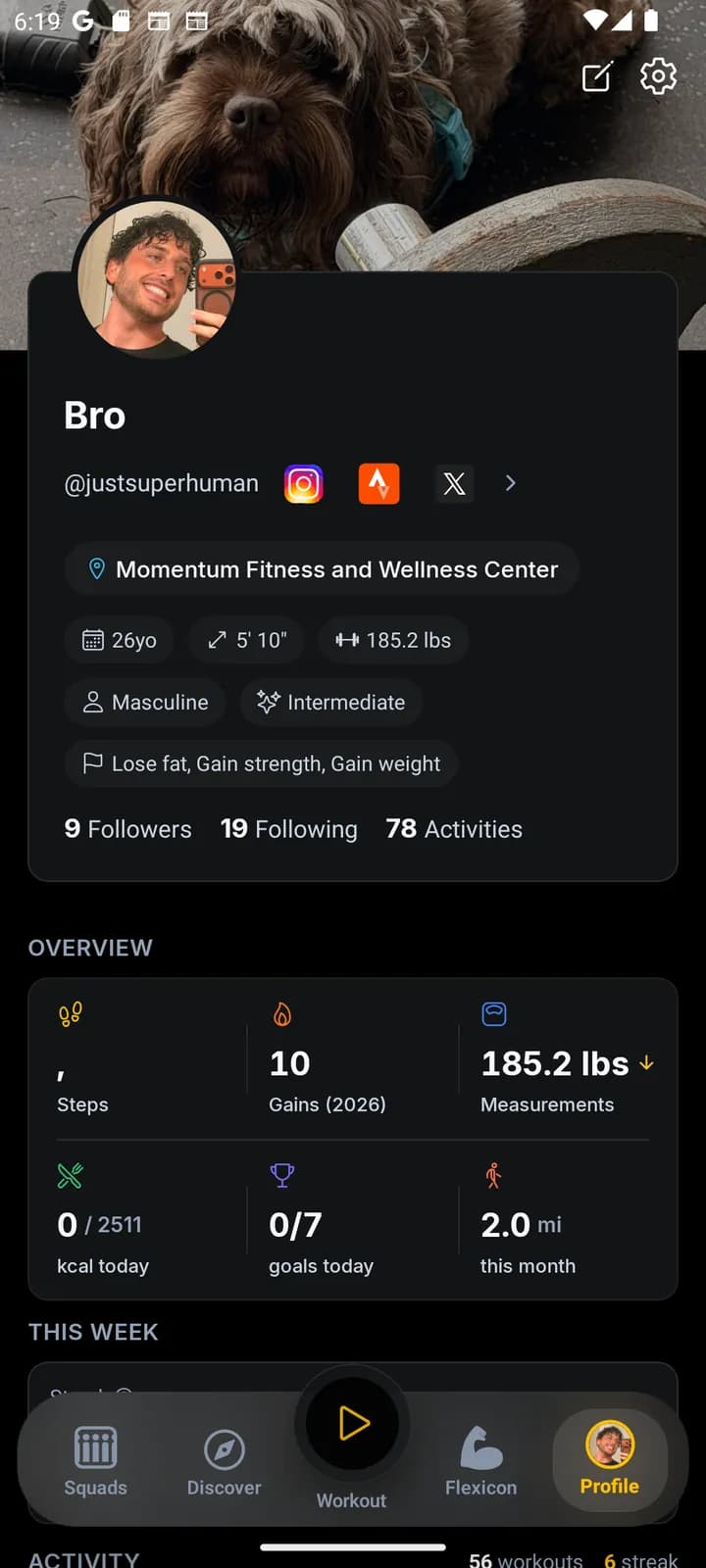
Create your profile
Create an account with email, Google, or Apple. Add the name you want people to see and a username you are happy to share.
Choose your measurement system and training experience honestly. You can change both later, so this is not a lifetime contract with kilograms.
Make the app yours
Add the equipment you can actually use, then set a goal. JustGains uses those details to make suggestions more relevant.
When you are ready, open Workout and choose an existing workout, import one, or build your own. Logging one real session teaches you more than tuning every preference first.
Keep reading
The natural next steps from this guide.