Nutrition
Log food and macros
Track enough to learn something, without becoming a barcode monk.
Updated July 12, 20264 min readNutrition
Add what you ate
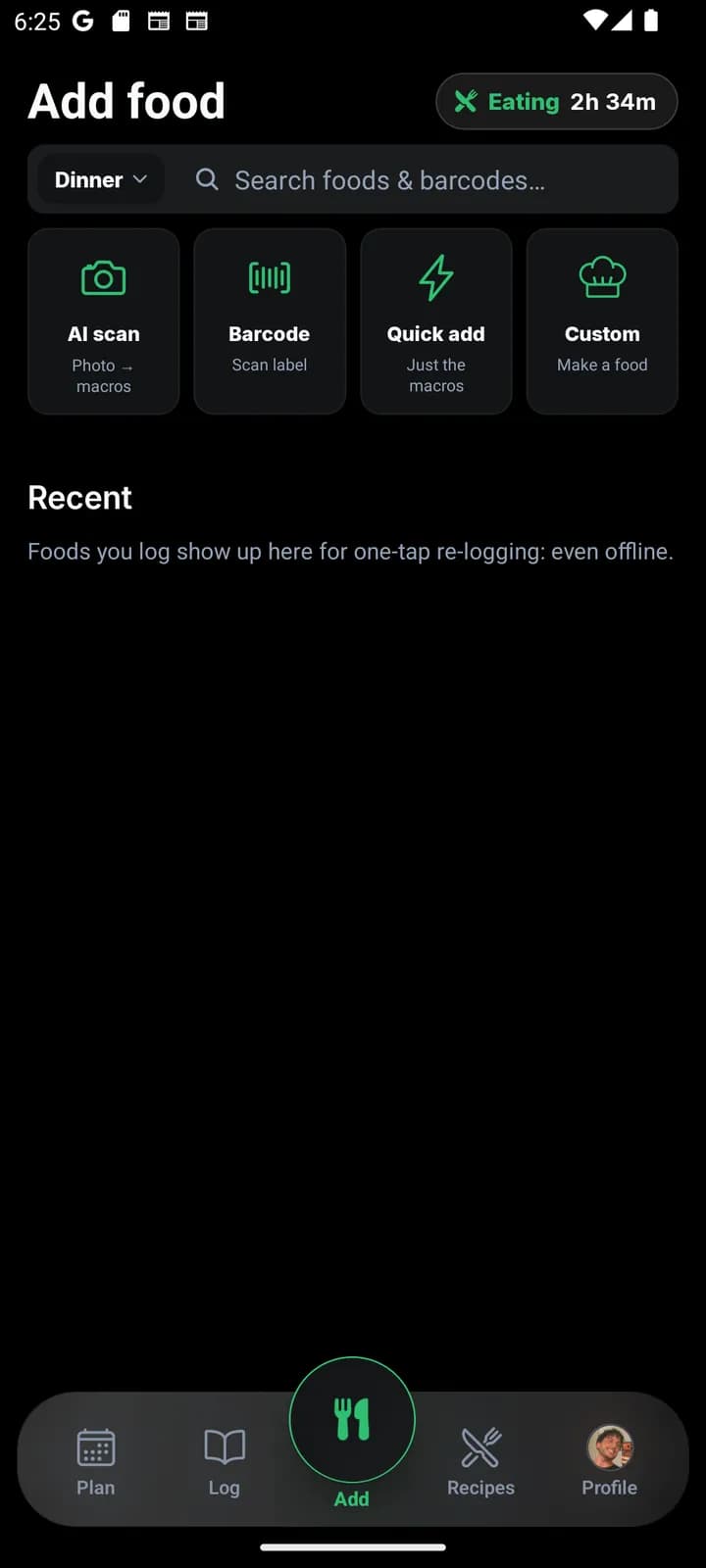
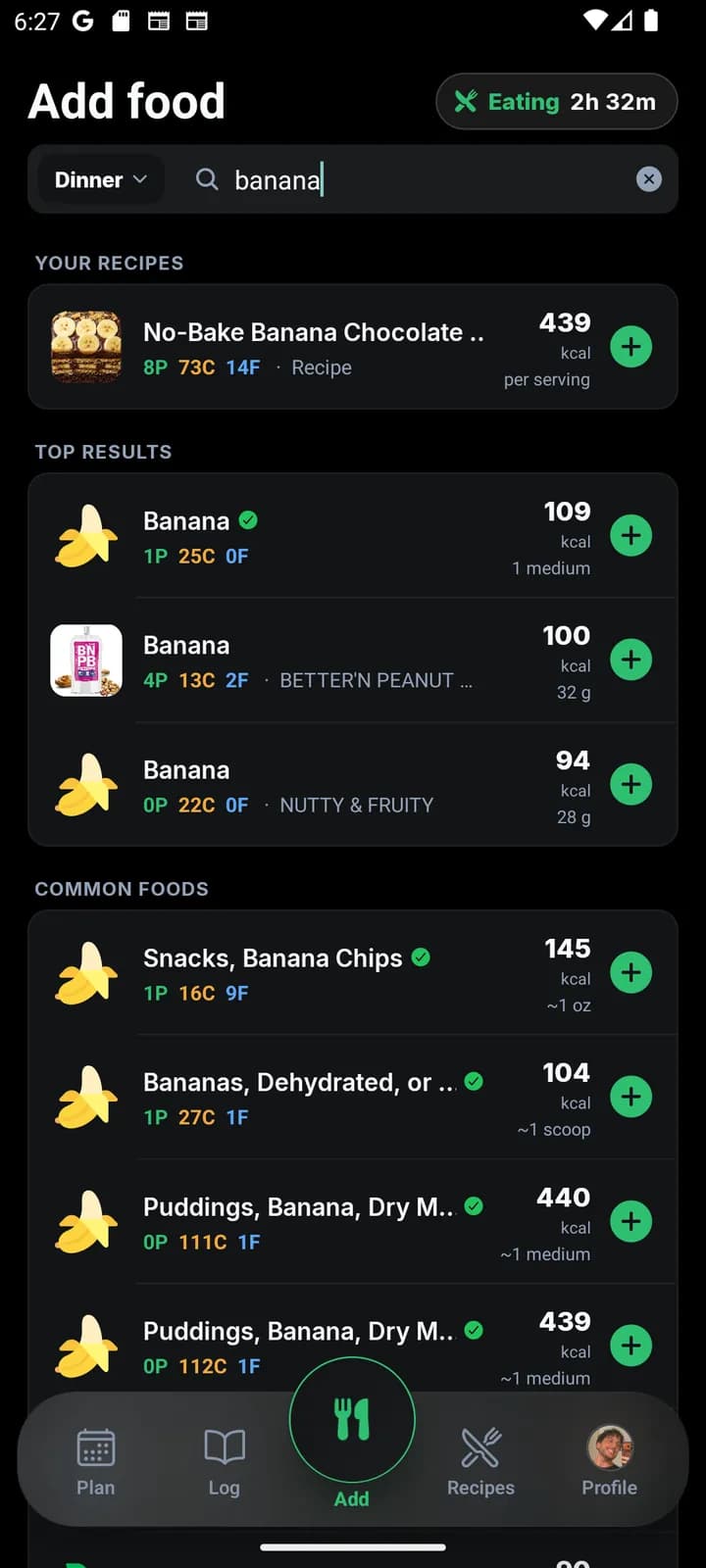
Open Nutrition, choose a meal, then search, scan, or reuse a recent food. Select the serving that matches what you ate and adjust the quantity.
Check the label when packaged-food data looks wrong. Products change, serving sizes vary, and databases are not immune to nonsense.
Use the daily totals
Your daily view shows calories and macros against your targets. Treat the targets as guidance across time, not a pass-or-fail exam at midnight.
Consistency matters more than manufacturing perfect numbers from rough portions. Log honestly, notice patterns, and adjust when the trend calls for it.
Keep reading
The natural next steps from this guide.