Training
Build and log a workout
Exercises in, honest numbers out. The core JustGains loop.
Updated July 12, 20264 min readTraining
Build the session
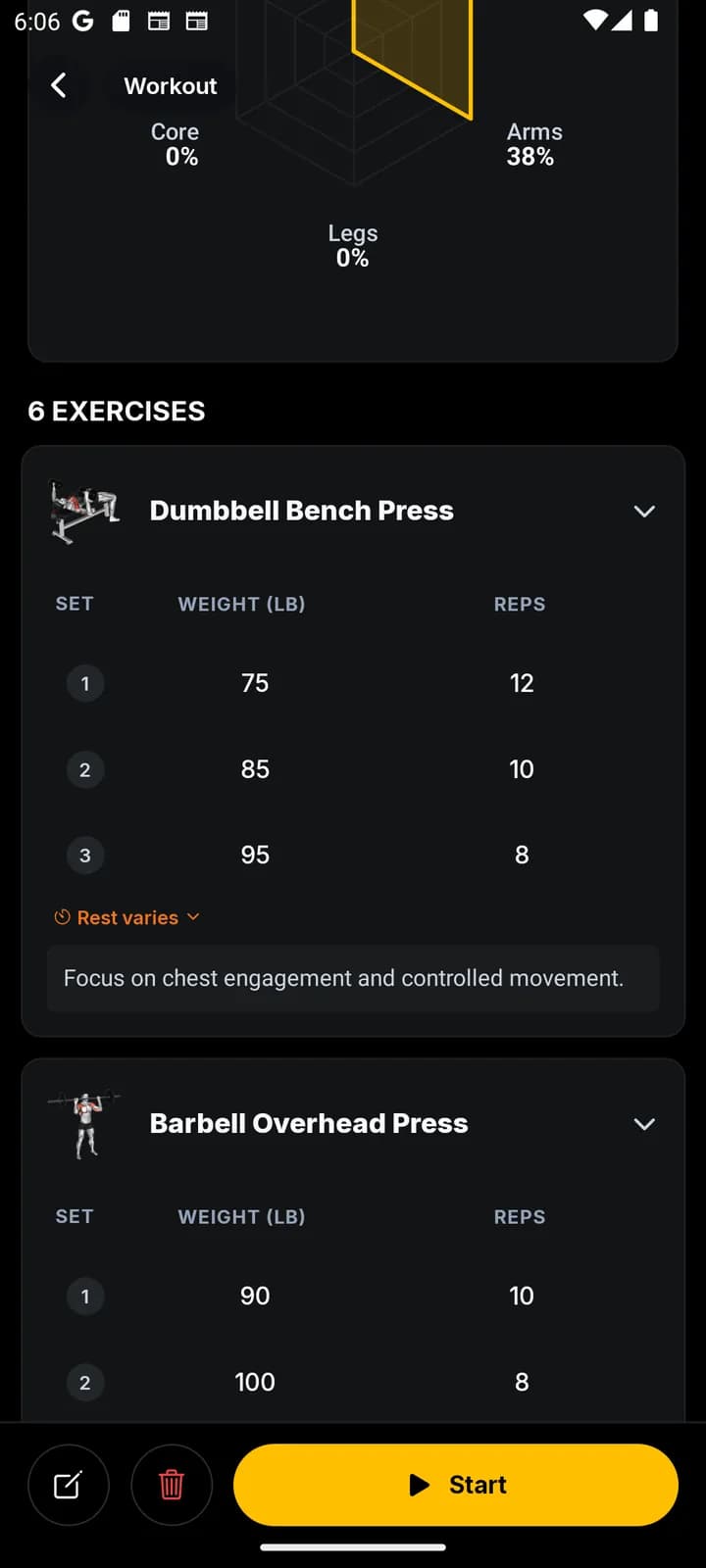
From Workout, create a workout and search the exercise library. Add movements in the order you plan to perform them, then set targets for sets, reps, weight, time, or distance.
Use notes for cues that matter during the session. A useful note is “pause one second on the chest,” not a complete autobiography.
Log what happened
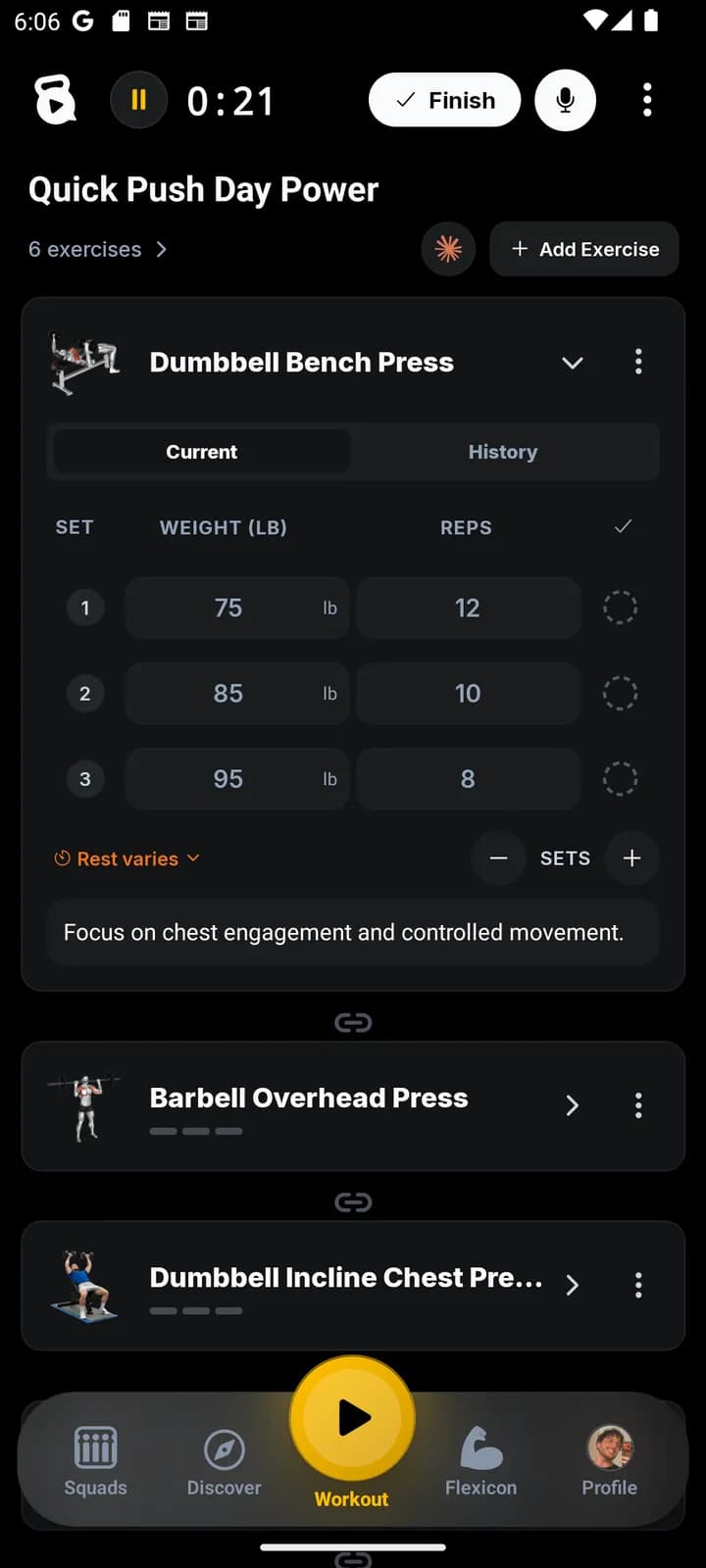
Start the workout and record each completed set. Adjust the target when reality disagrees with the plan; the log should describe the session you did.
Finish the workout to save it to your logbook. That history powers progress views, personal records, and better decisions next time.
Keep reading
The natural next steps from this guide.